



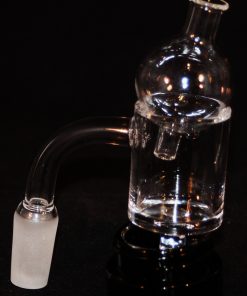
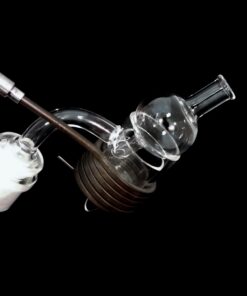
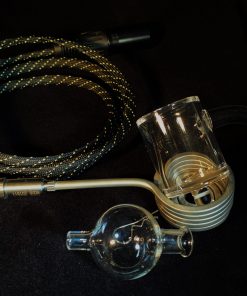


Electric eNail with 30mm Round Coil and Banger w/ Directional Airflow Bubble Carb


Price range: $136.35 through $176.75
Ω Electric eNail — 30mm Round Coil Ω
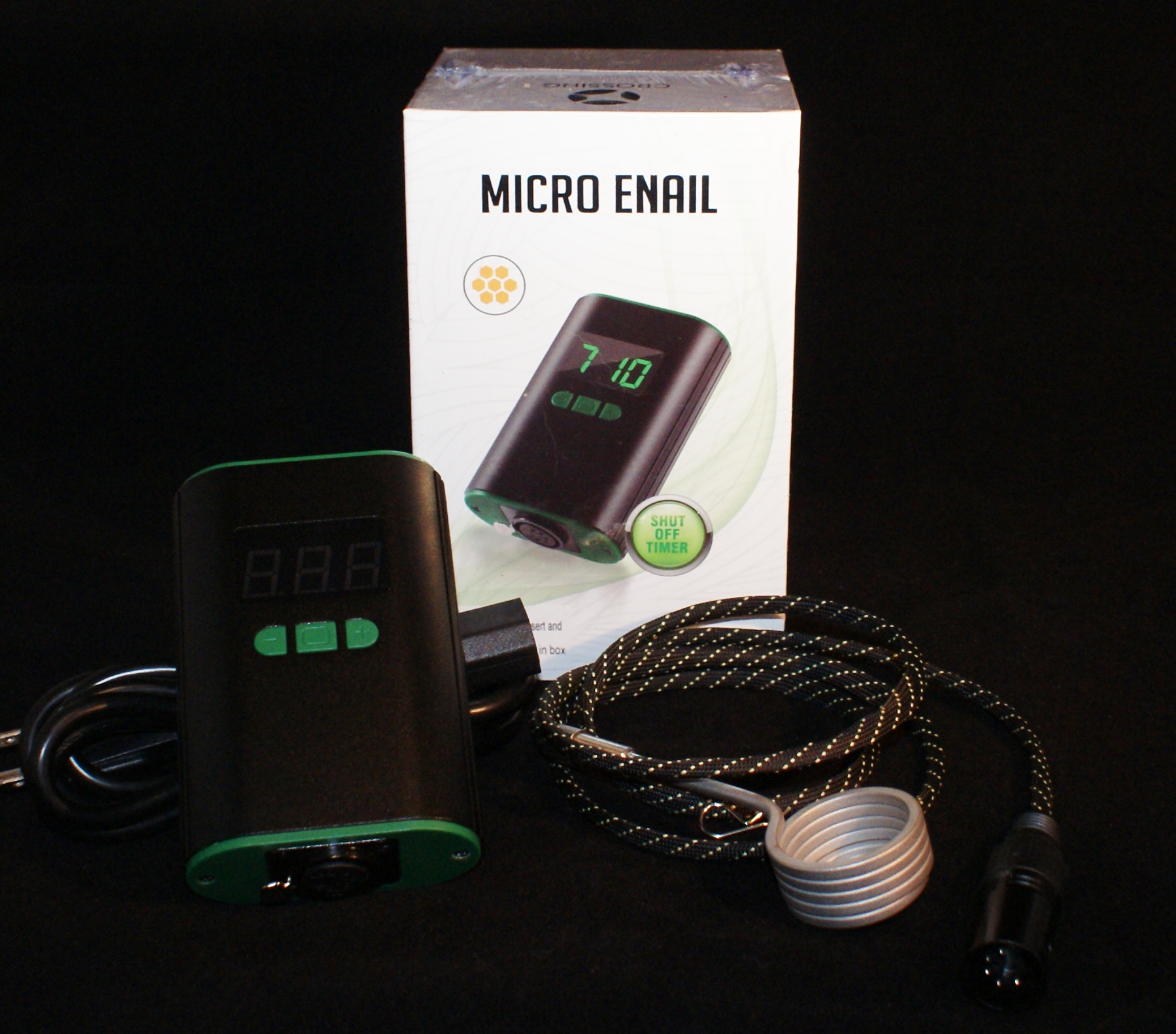
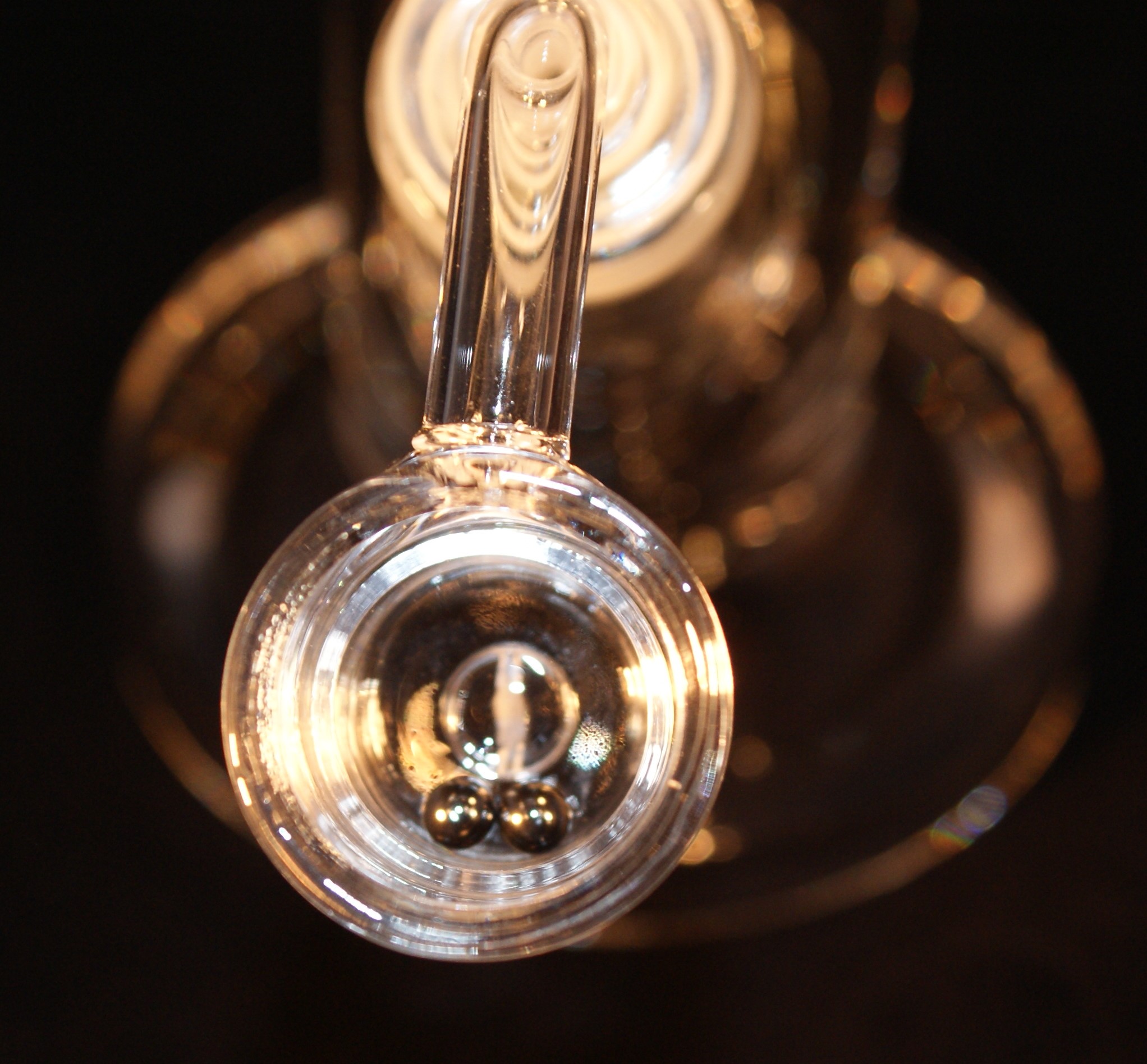
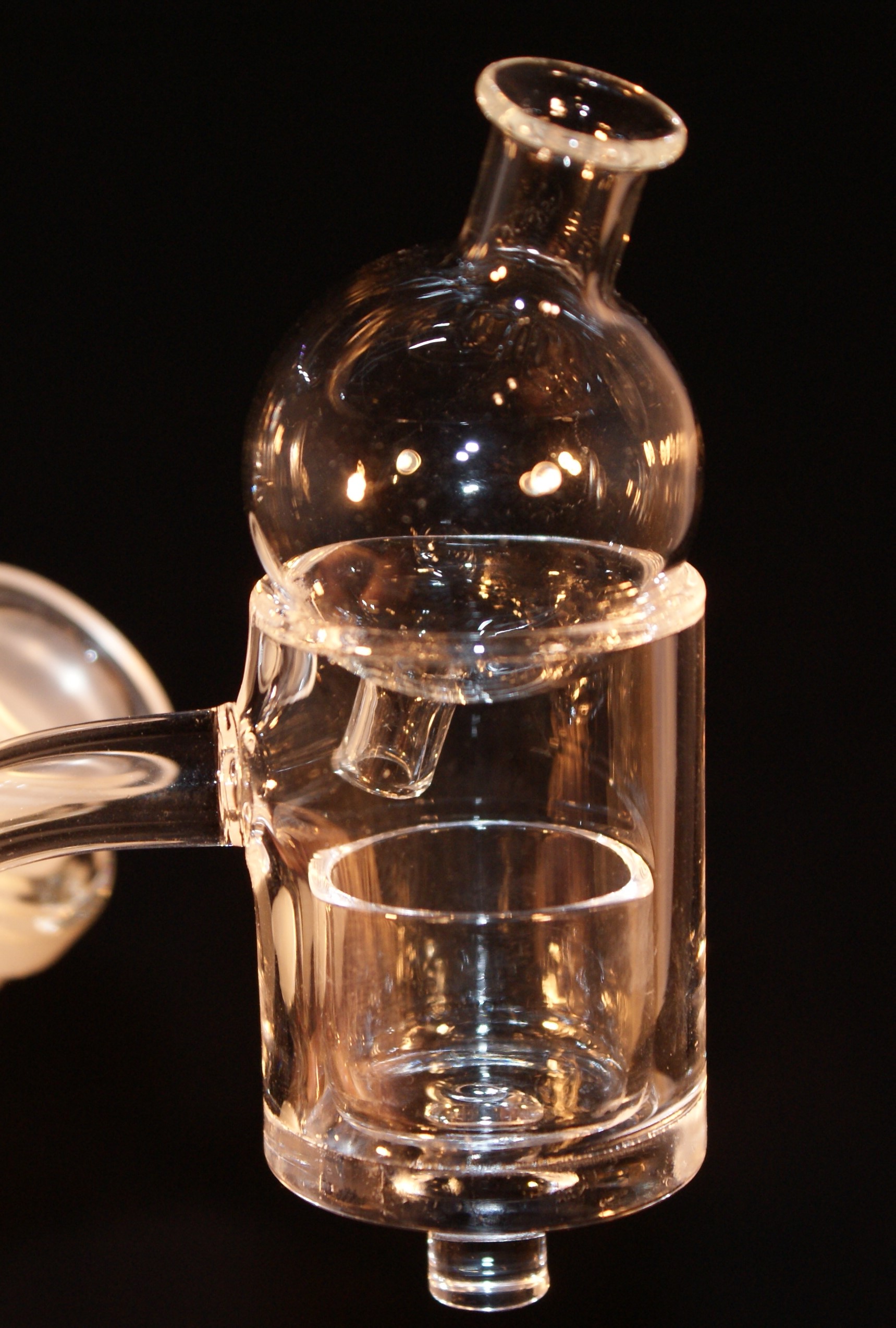
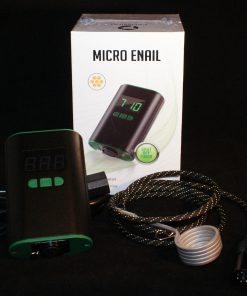
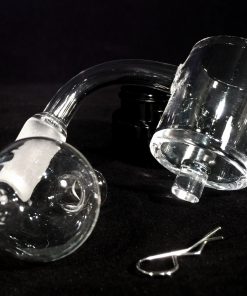
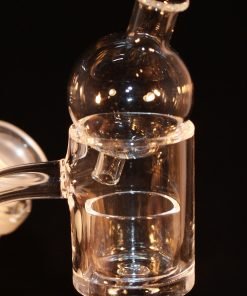
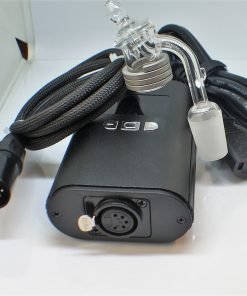
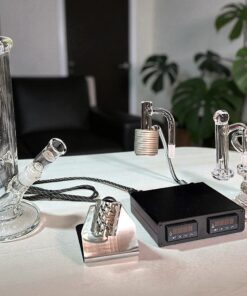
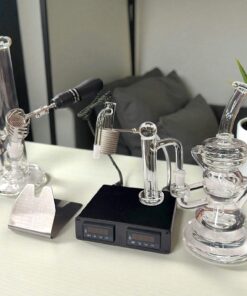
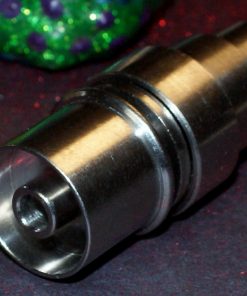
This is what I use personally when I am at home. Quartz banger with directional airflow bubble carb for unmatched flavor. 1-year guarantee on controller box and coil.
Ω Electric eNail with 30mm Round Coil Ω
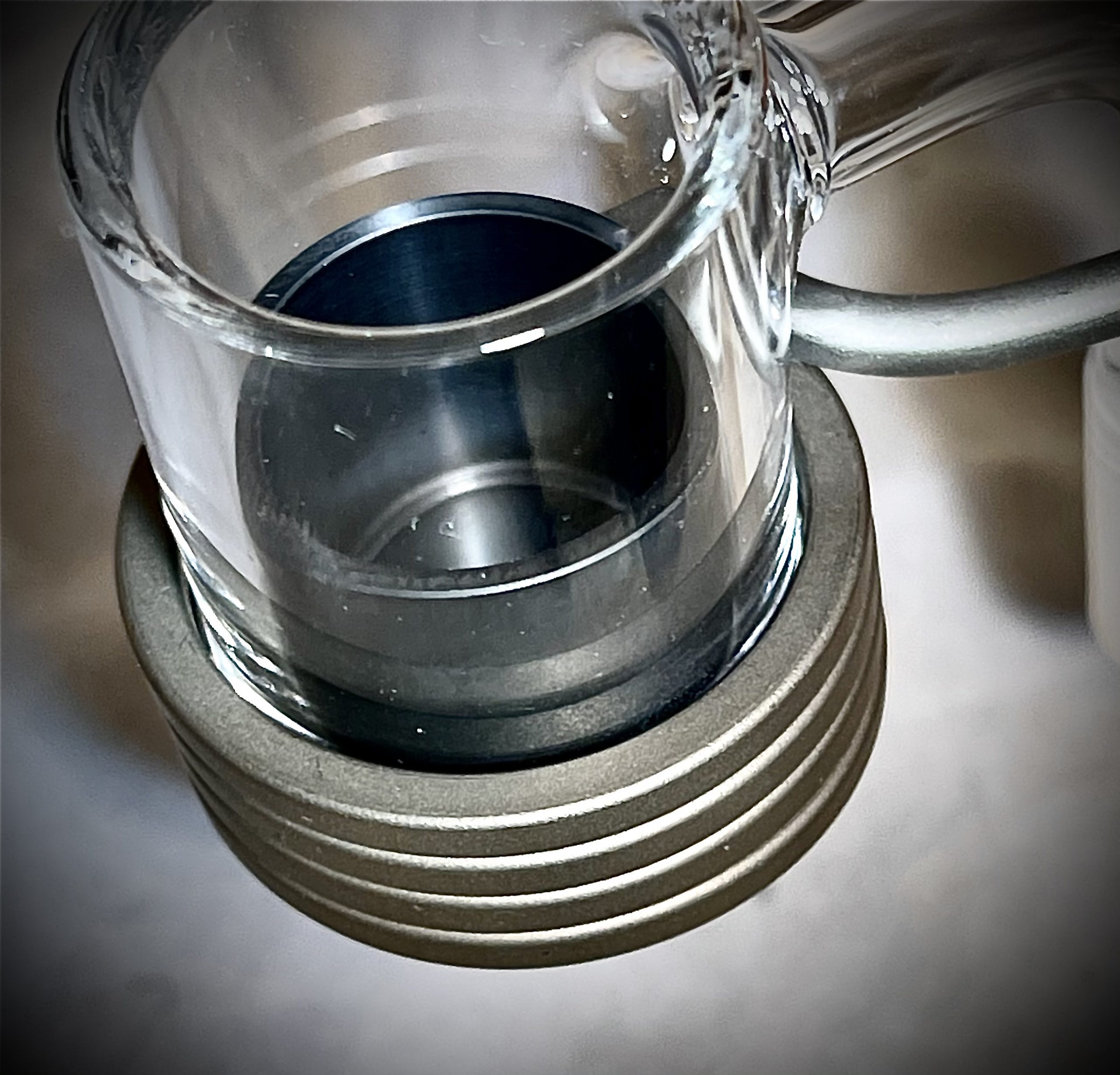
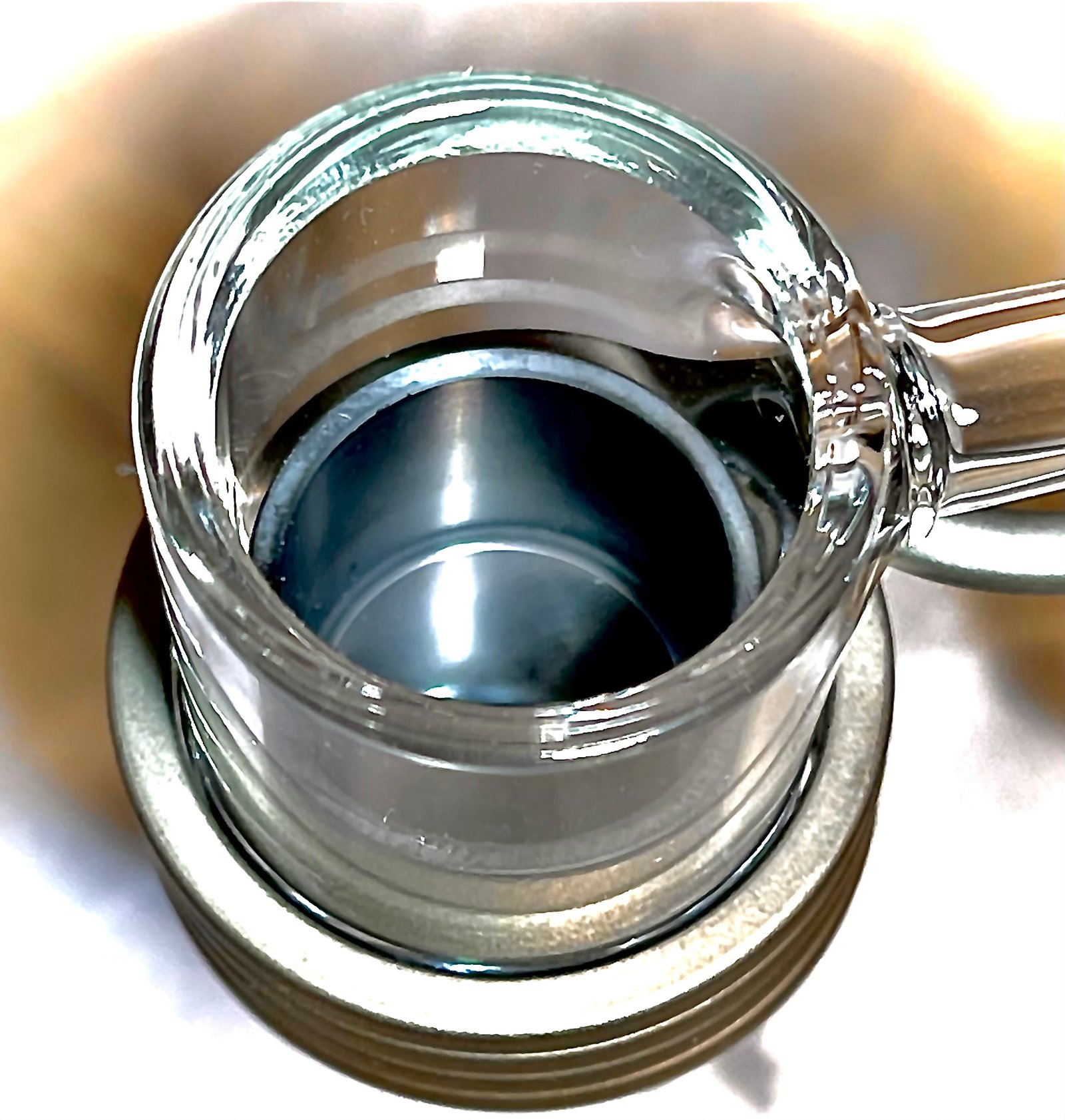
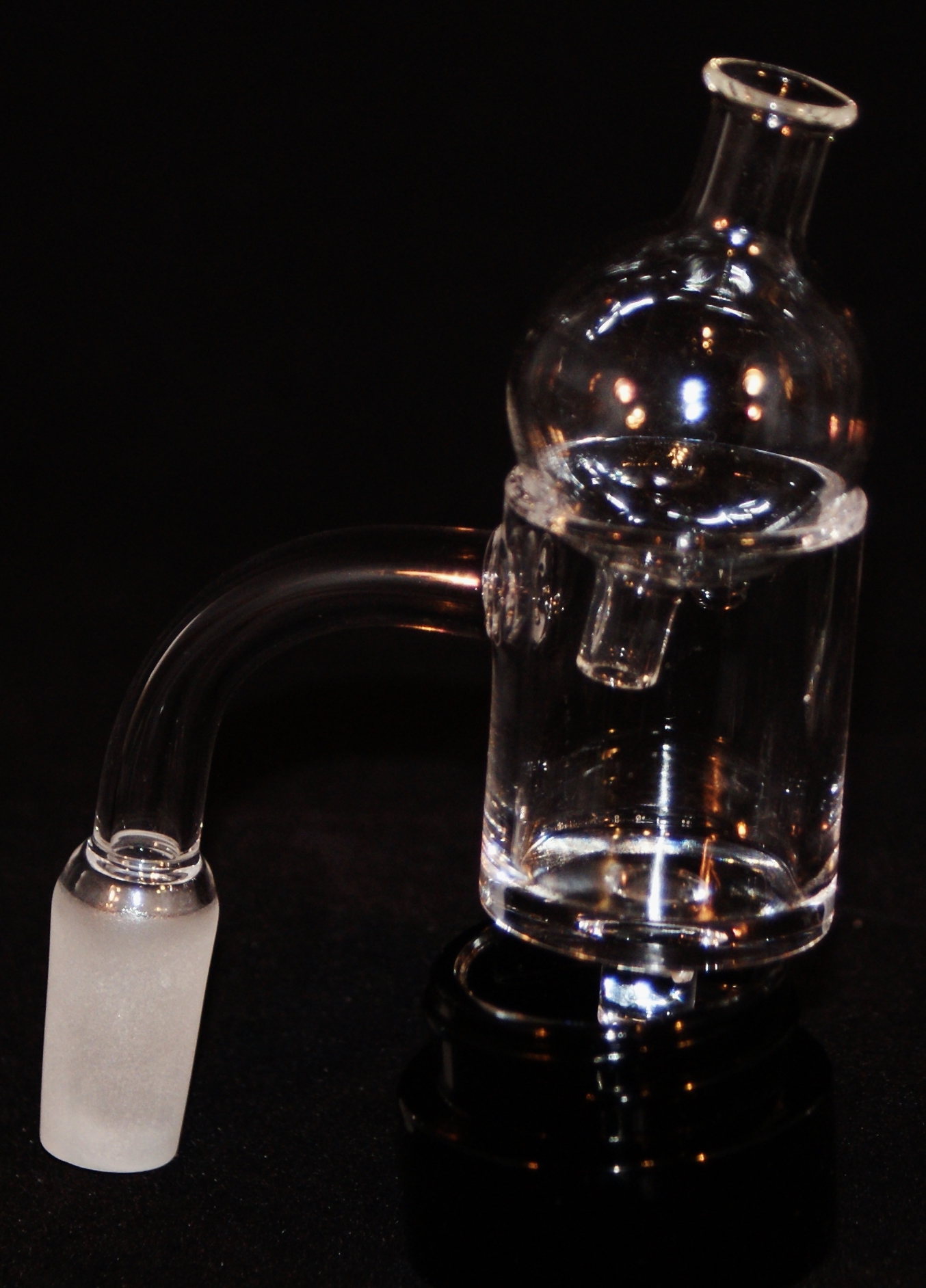
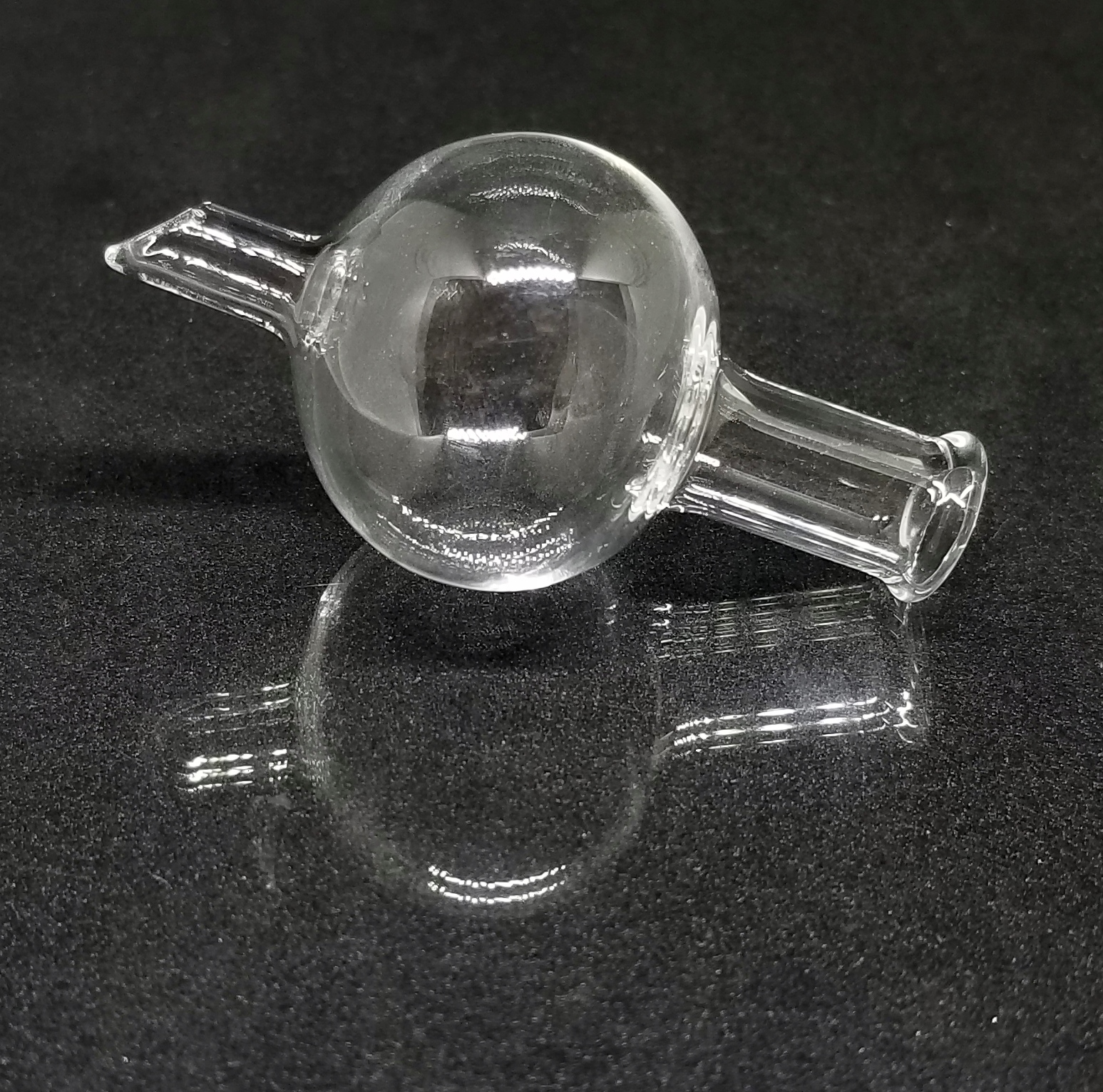
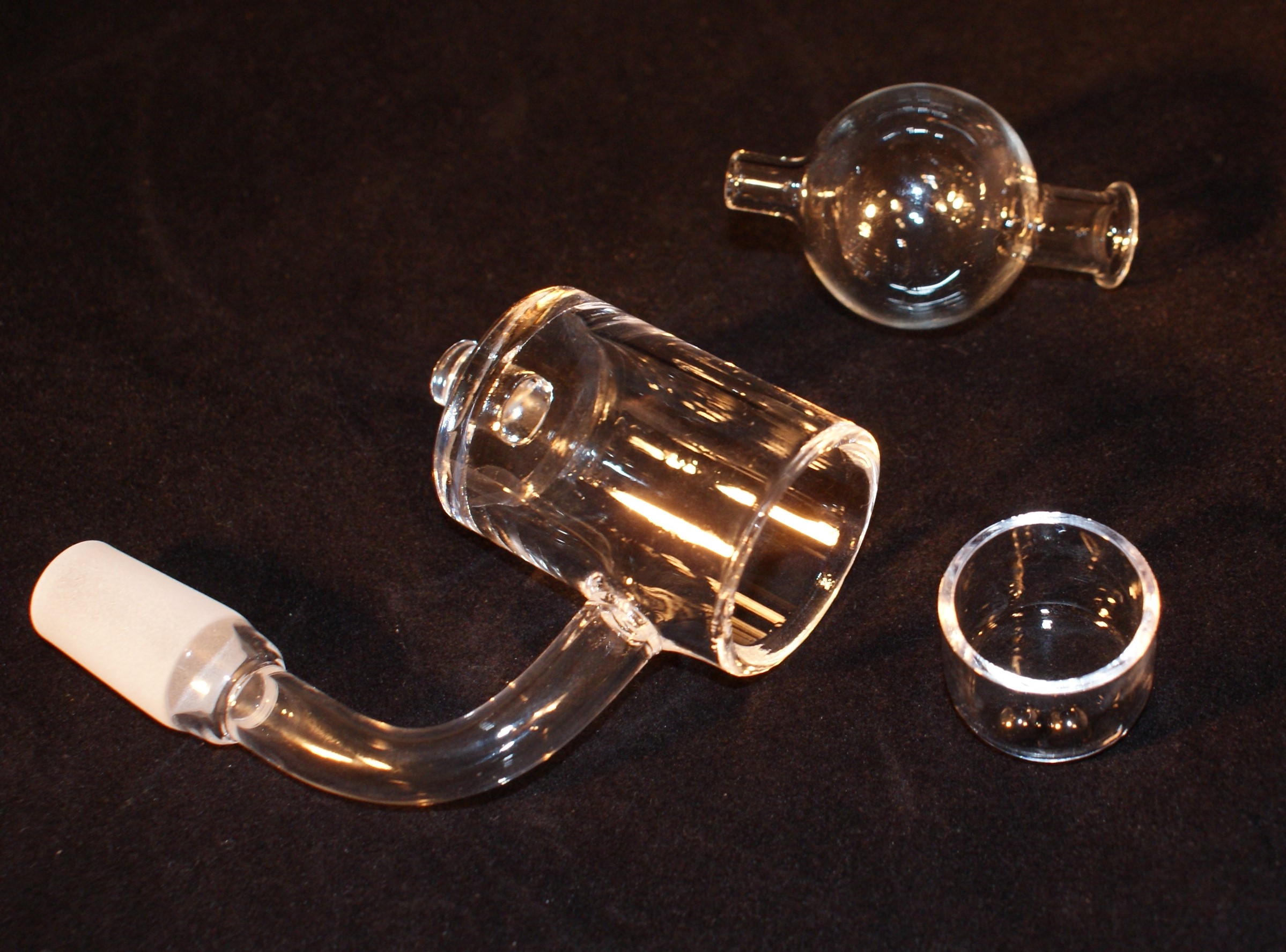
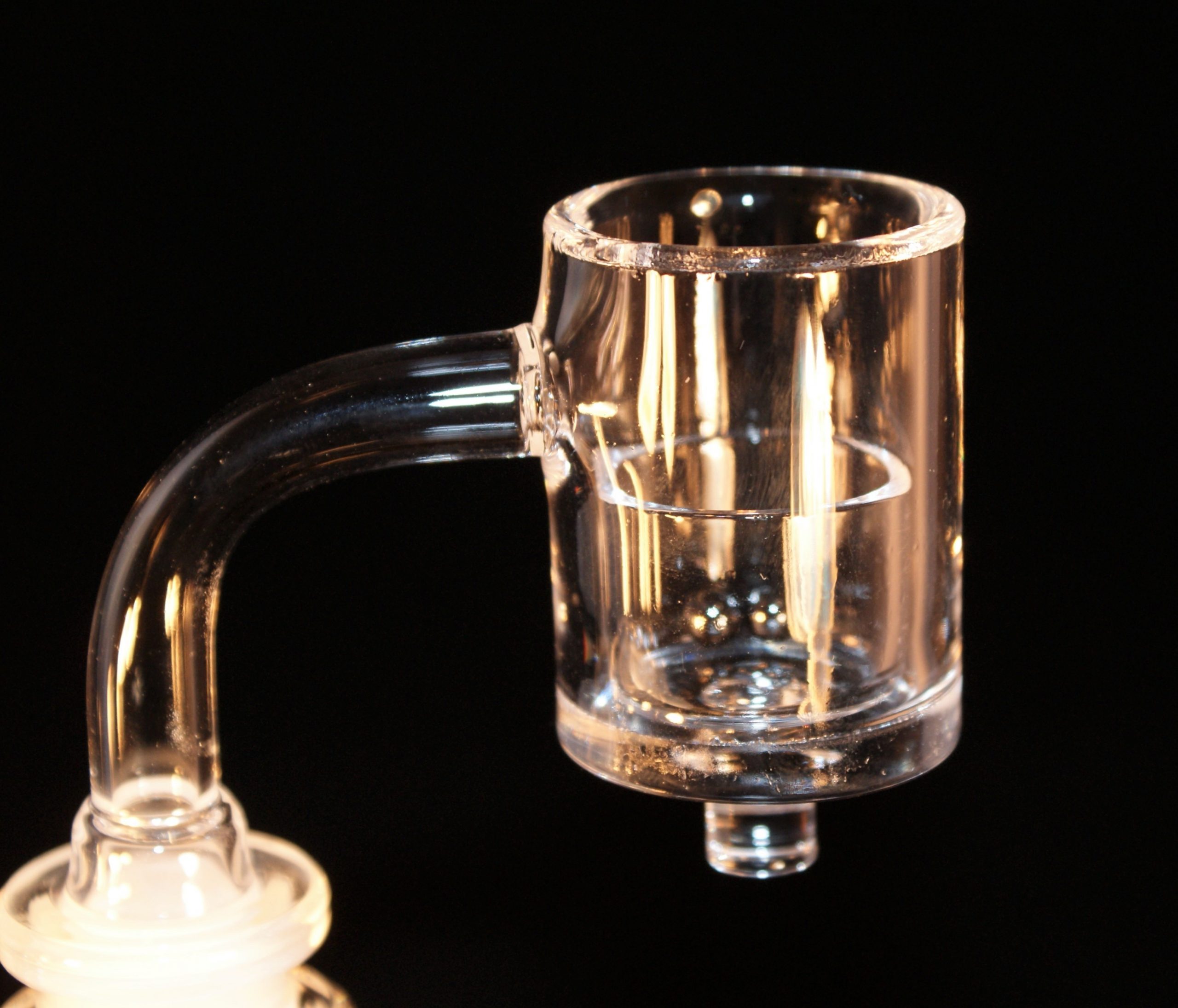
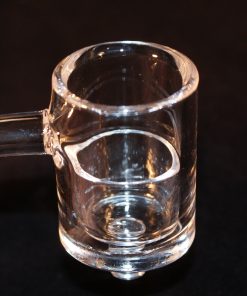
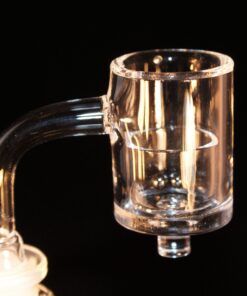
Quartz Banger, Directional Airflow Bubble Carb & Quartz Insert
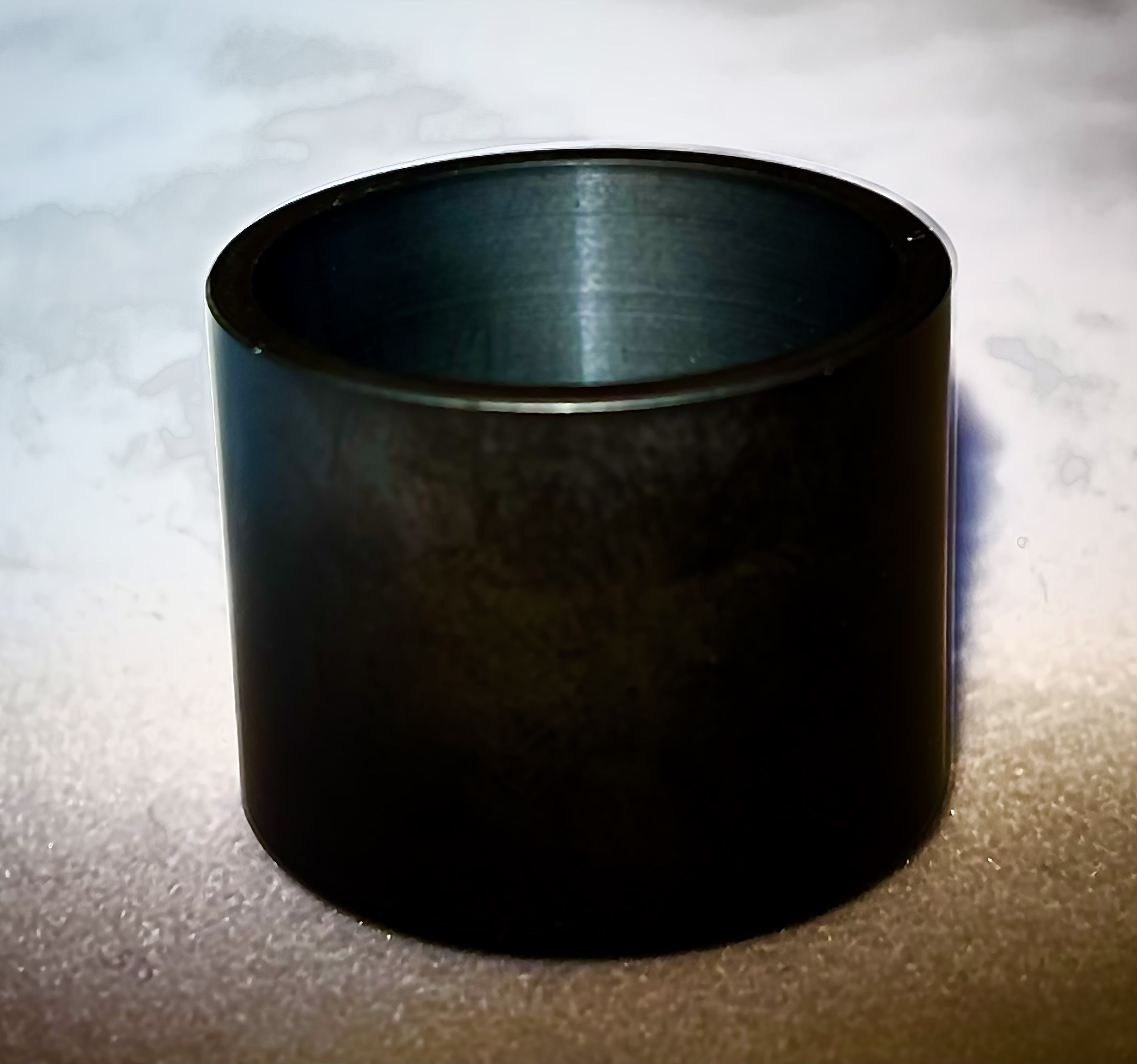
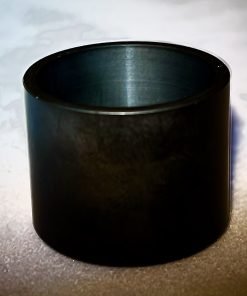
With option to add the Polished SIC (Silicon Carbide) Insert
🔥 Matt's Personal Pick
This is the eNail I use myself. The airflow and flavor I get from my concentrates is unmatched on any device. I have used and sampled a good amount of nails and this one is the best to date. I love to dab daily. Terpenes from your strains are important and being able to taste the strain and have that flavor on your taste palette for 10 minutes afterward is important.
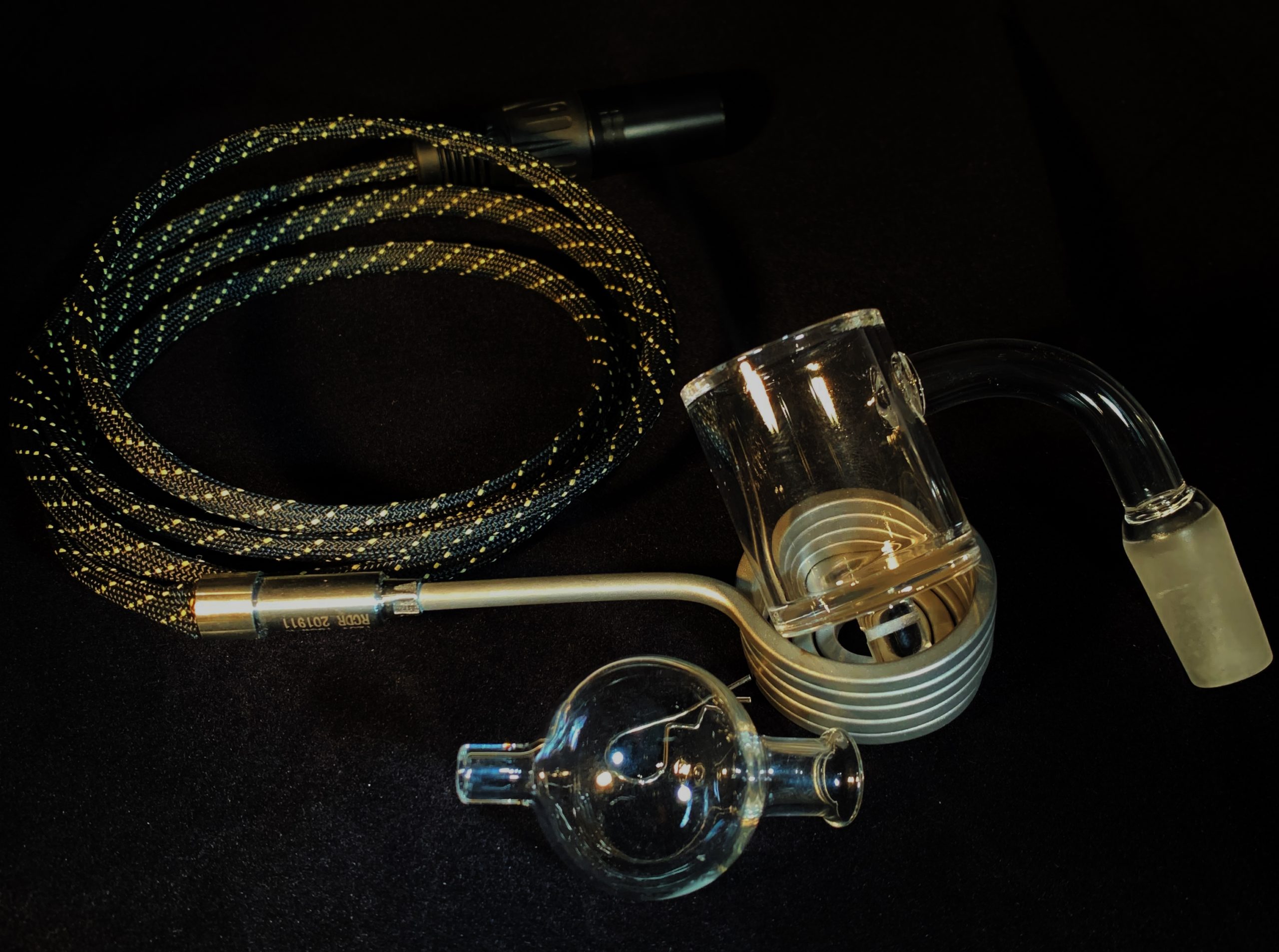
📦 Kit Includes
| Controller Box & Power Cord 1 year guarantee |
30mm Coil 1 year guarantee |
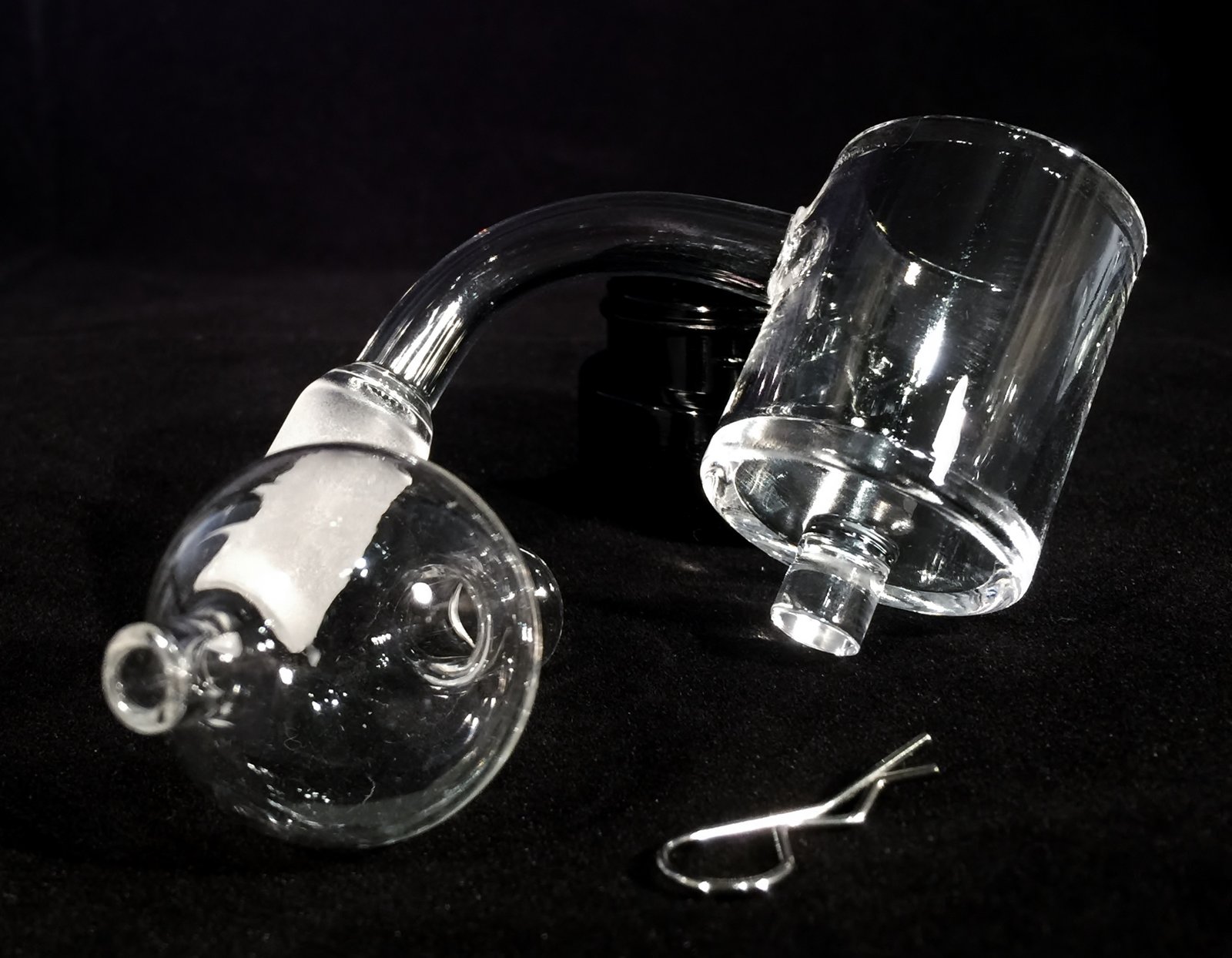
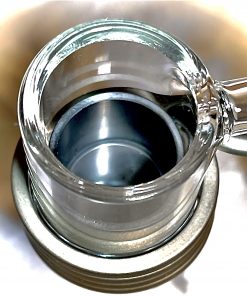
| Quartz Banger 14mm male – 30mm diameter – 2mm thick, with cotter pins |
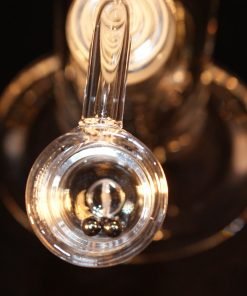
Directional Airflow Bubble Carb For precise airflow control |
| Quartz Insert Included in kit |
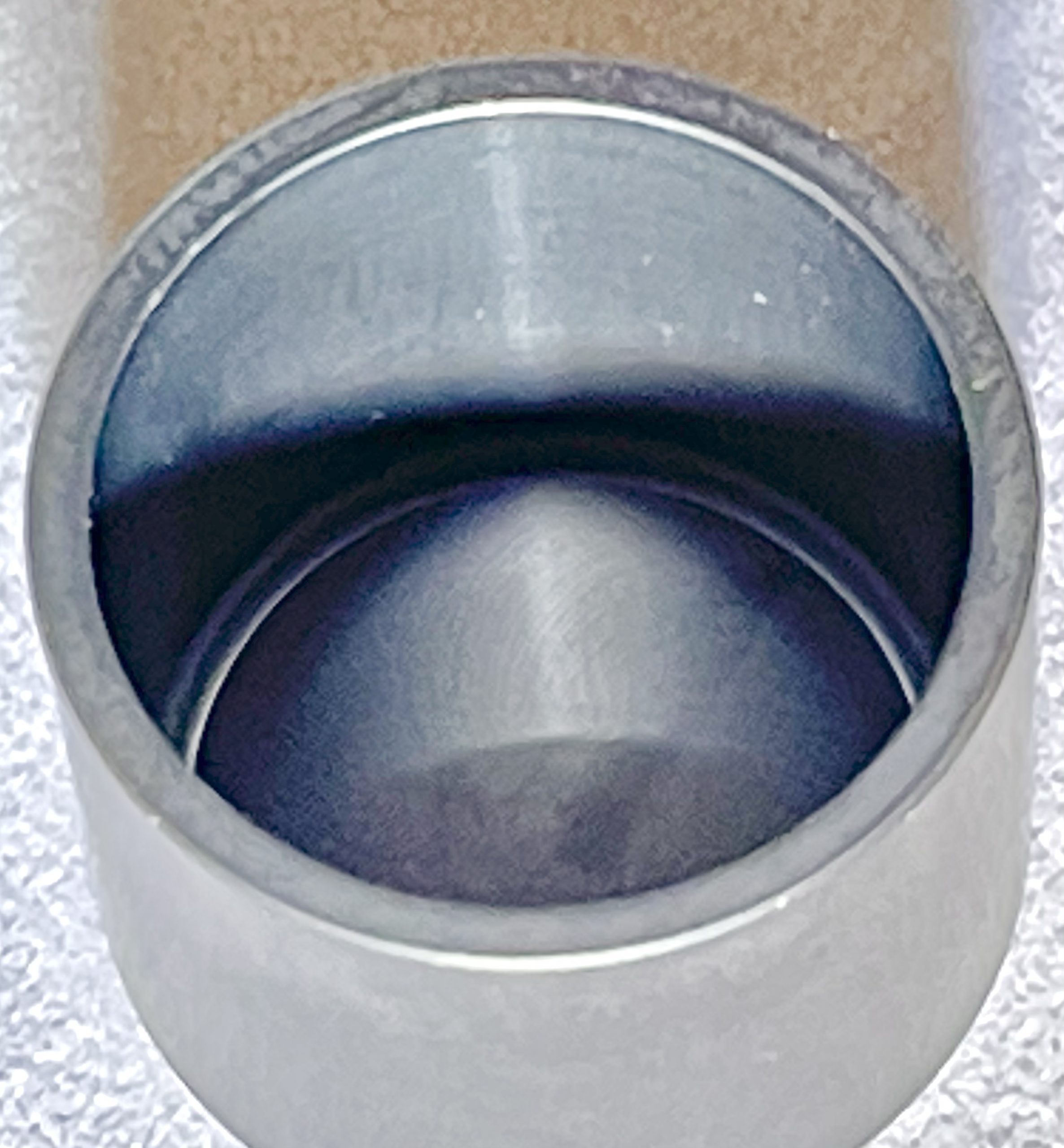
Polished SIC Insert Optional add-on for superior flavor |
🔌 Instructions
| Power On/Off Hold the center button for 5 seconds |
Auto Shutoff Timer Press center button 5 times fast while on. Select 0-5 (0 = no shutoff, 1-5 = hours) |
| Temperature Adjustment Use the left button to lower and the right button to raise the temperature |
|
⚠️ Important Notes
This is a 120V and 150W, 5-pin coil — MAKE SURE YOUR OLD COIL MATCHES UP.
This eNail comes with a coil that works only with 110V outlets. There is a special coil for 220V outlets — if you need it, add a note to your order. No extra charge.
📖 Resources
⚙️ Click here for user settings, temperature calibration & the full manual
Download the PID controller manual (PDF) — straight from the factory, covers the panel keys, parameter list and wiring.
- Change the set temperature: in the normal display, use the up and down keys. Factory set value is 710.
- Switch °F to °C: press SET, enter password 0089, step down to CorF and set it. 0 = Celsius, 1 = Fahrenheit.
- Self-tune (AT): long press the > key until the AT light flashes and the unit tunes itself. To end it, hold > for three seconds. It only needs to be run once, not every session.
- No auto shutoff: these full size controllers hold temperature until you switch them off. The auto shutoff timer is only on the smaller controllers.
🌡️ Reading hot? Here is how to correct it
Matt’s own controller showed 615°F on the display when the glass was really closer to 550°F — about 65° hot. Yours may differ, so treat 65 as his number and adjust to whatever yours turns out to be. This is the exact sequence he used, on the four keys SET, >, ∧ (up) and ∨ (down):
- Press SET once. A password prompt comes up.
- Enter 0089. The > key moves to the next digit, the ∧ key raises it. Press SET to accept.
- Now tap SET and watch the screen. It steps in this order: inty → outy → HY → psb. That is four taps to land on psb.
- On psb, press ∨ down to -065. A four digit screen writes -65 as -065, so that is correct. This tells the controller it has been reading 65° too hot.
- Keep tapping SET past rd and Corf until it reads End. It drops back to the normal screen on its own.
Go by what the screen says rather than by counting taps. If you land on outy you are one short, and if you hit rd you went one too far.
After this, the heat you always ran is 550 on the dial, not 615. The number moved. The heat did not.
| Weight | 20.75 oz |
|---|---|
| Dimensions | 6 × 5 × 3 in |
| Polished SIC for 30mm | With Polished SIC Insert, Without Polished SIC Insert |
Related products


Complete Kits
Complete Kits


Accessories
Best Sellers


Accessories