








⚙️ Click here for user settings, temperature calibration & the full manual
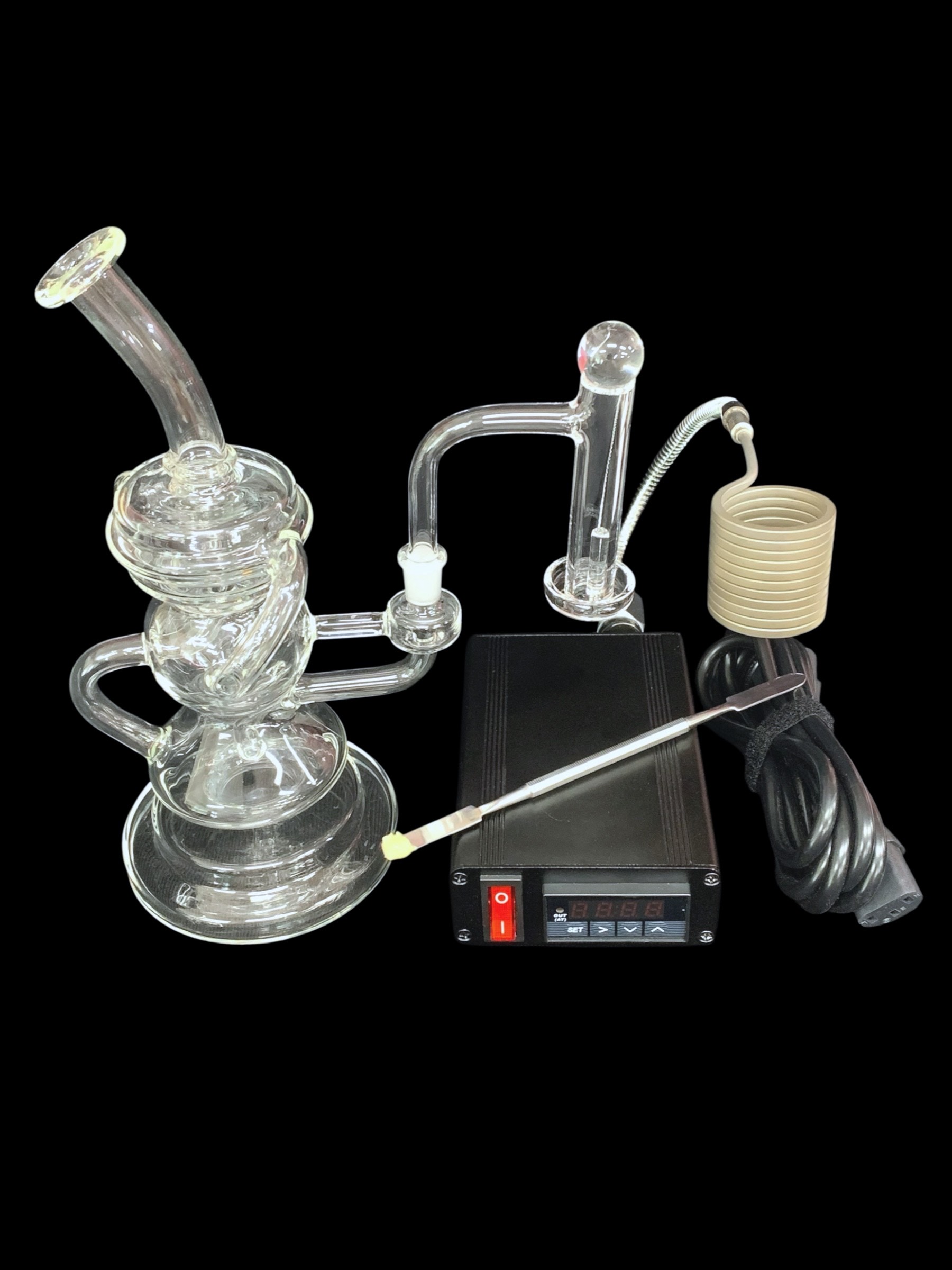
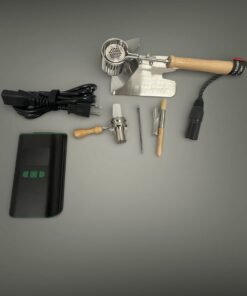
Applies to the “Add Terp Slurper, Flex Coil & Controller Box” option.
Download the PID controller manual (PDF) — straight from the factory, covers the panel keys, parameter list and wiring.
- Change the set temperature: in the normal display, use the up and down keys. Factory set value is 710.
- Switch °F to °C: press SET, enter password 0089, step down to CorF and set it. 0 = Celsius, 1 = Fahrenheit.
- Self-tune (AT): long press the > key until the AT light flashes and the unit tunes itself. To end it, hold > for three seconds. It only needs to be run once, not every session.
- No auto shutoff: these full size controllers hold temperature until you switch them off. The auto shutoff timer is only on the smaller controllers.
🌡️ Reading hot? Here is how to correct it
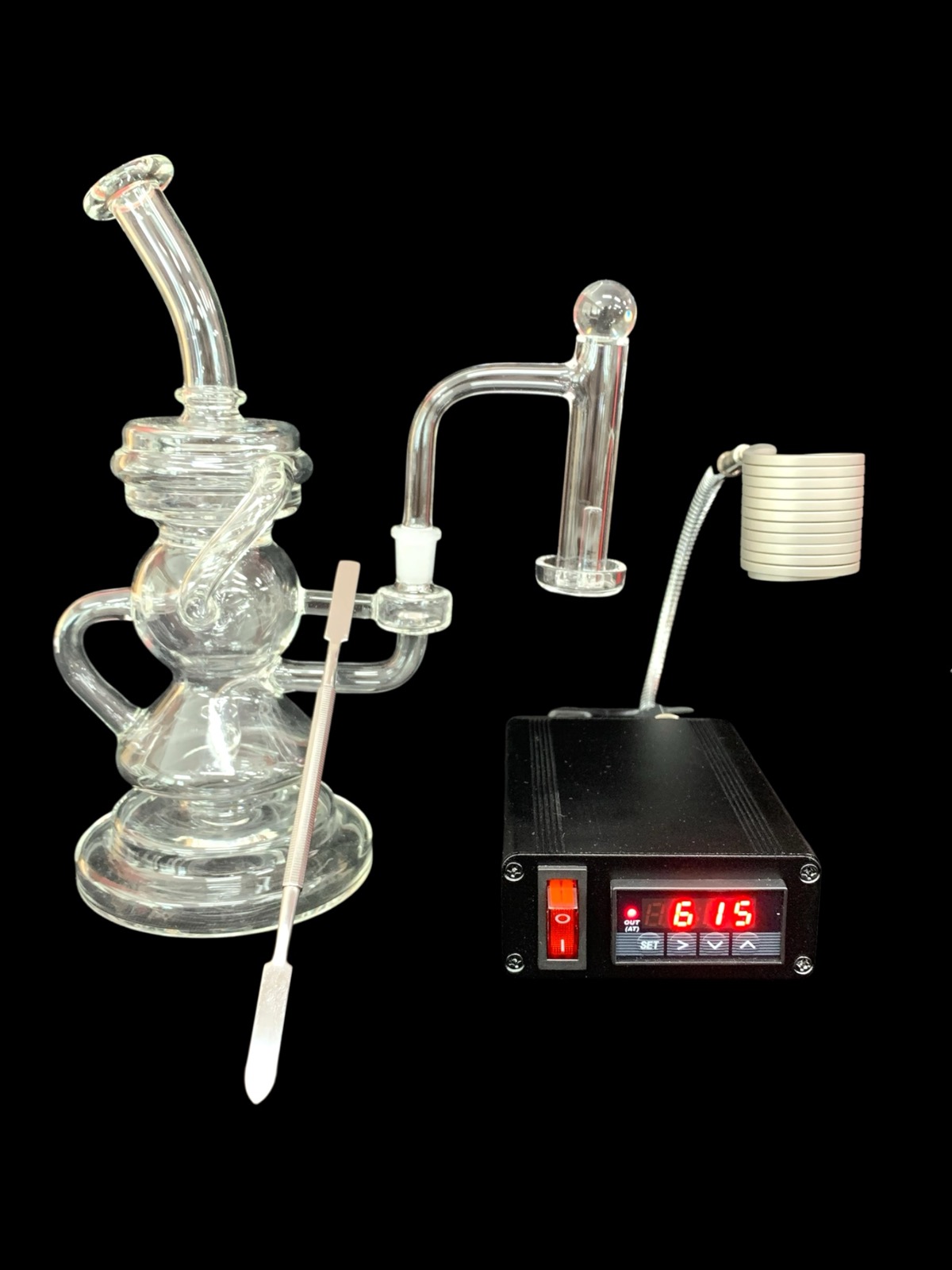
Matt’s own controller showed 615°F on the display when the glass was really closer to 550°F — about 65° hot. Yours may differ, so treat 65 as his number and adjust to whatever yours turns out to be. This is the exact sequence he used, on the four keys SET, >, ∧ (up) and ∨ (down):
- Press SET once. A password prompt comes up.
- Enter 0089. The > key moves to the next digit, the ∧ key raises it. Press SET to accept.
- Now tap SET and watch the screen. It steps in this order: inty → outy → HY → psb. That is four taps to land on psb.
- On psb, press ∨ down to -065. A four digit screen writes -65 as -065, so that is correct. This tells the controller it has been reading 65° too hot.
- Keep tapping SET past rd and Corf until it reads End. It drops back to the normal screen on its own.
Go by what the screen says rather than by counting taps. If you land on outy you are one short, and if you hit rd you went one too far.
After this, the heat you always ran is 550 on the dial, not 615. The number moved. The heat did not.
| Weight | 14 oz |
|---|---|
| Dimensions | 6 × 5 × 3 in |
| Add-on Options | 10mm Rig by Itself, Add Terp Slurper, Add Terp Slurper, Flex Coil & Controller Box |
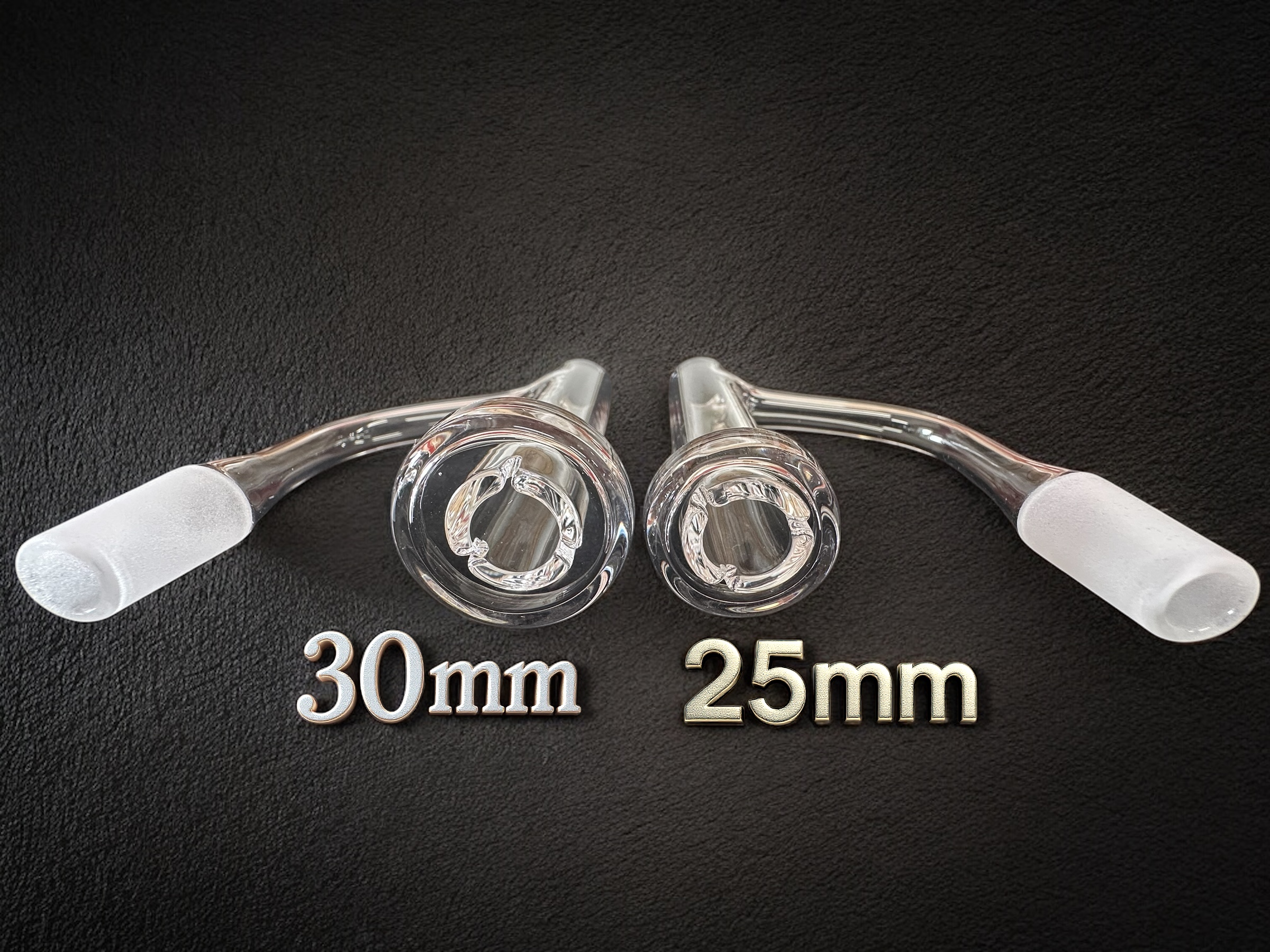
| Terp Slurper Size | 30mm, 25mm, No Add-ons |
Only logged in customers who have purchased this product may leave a review.
Related products
Complete Kits


Best Sellers


Accessories
Reviews
There are no reviews yet.