





Wireless Ruby Hybrid Ball Vape Simple Kit – Choose your Bowl


Price range: $180.08 through $209.25
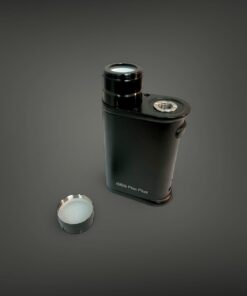
🔴💎 Wireless Ruby Ball Vape Simple Kit 💎🔴
Premium wireless dry herb vaping with ruby-like crystal heating. Choose your bowl style for a fully customized session. One of the best ways to vape flower if you already have a glass piece.
🔴💎 The Wireless Ruby Ball Vape Simple Kit 💎🔴
Choose Your Bowl for premium wireless dry herb vaping with ruby-like crystal heating.
🔍 Overview
The Wireless Ruby Ball Vape simple kit is one of the best ways to vape dry herb flower. If you already have a glass piece, this wireless simple setup is perfect. You can also add on different coils to your kit for your various needs in the future. The Ruby Ball Vape uses ruby-like crystal heating to deliver smooth, flavorful vapor every time.
📦 What Is Included
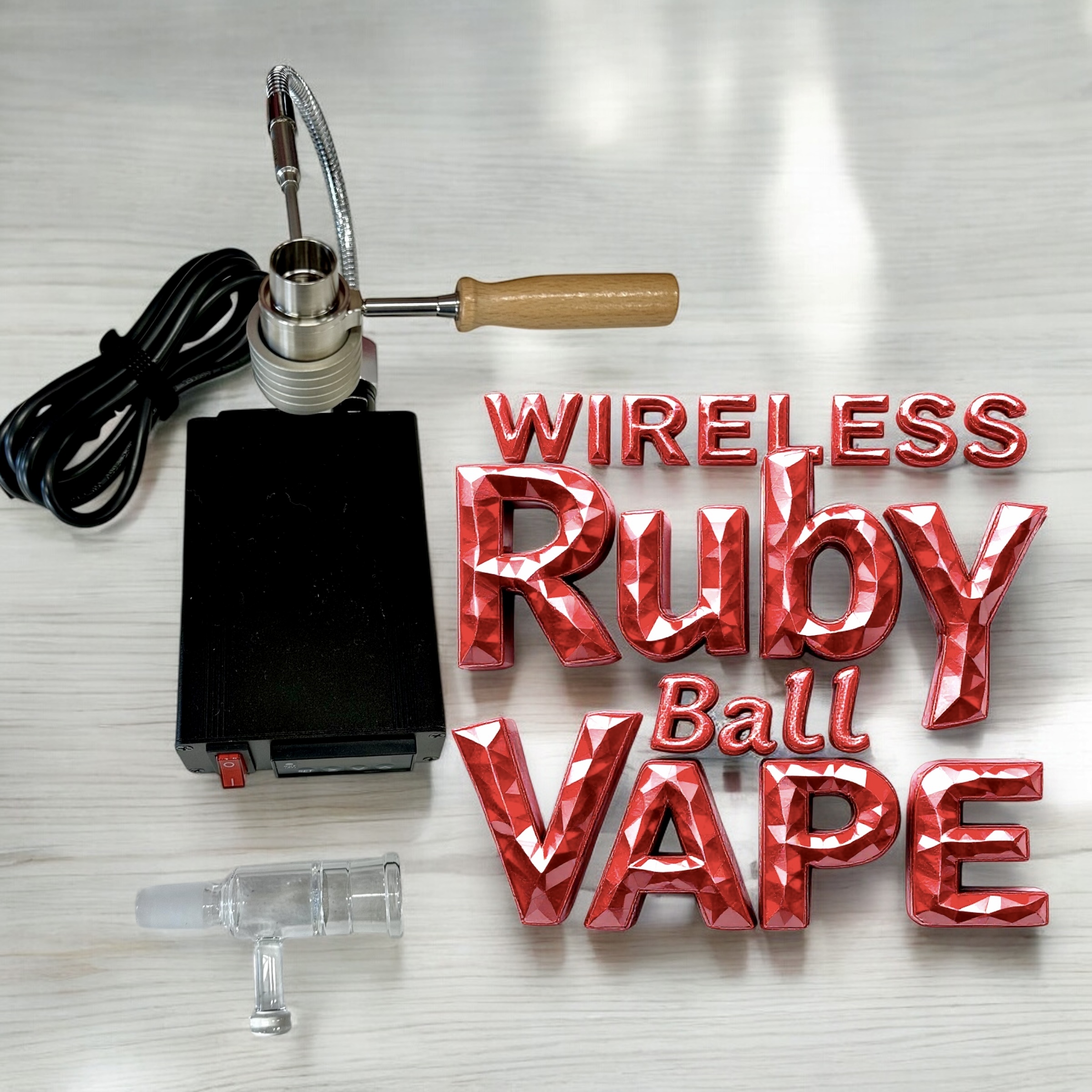
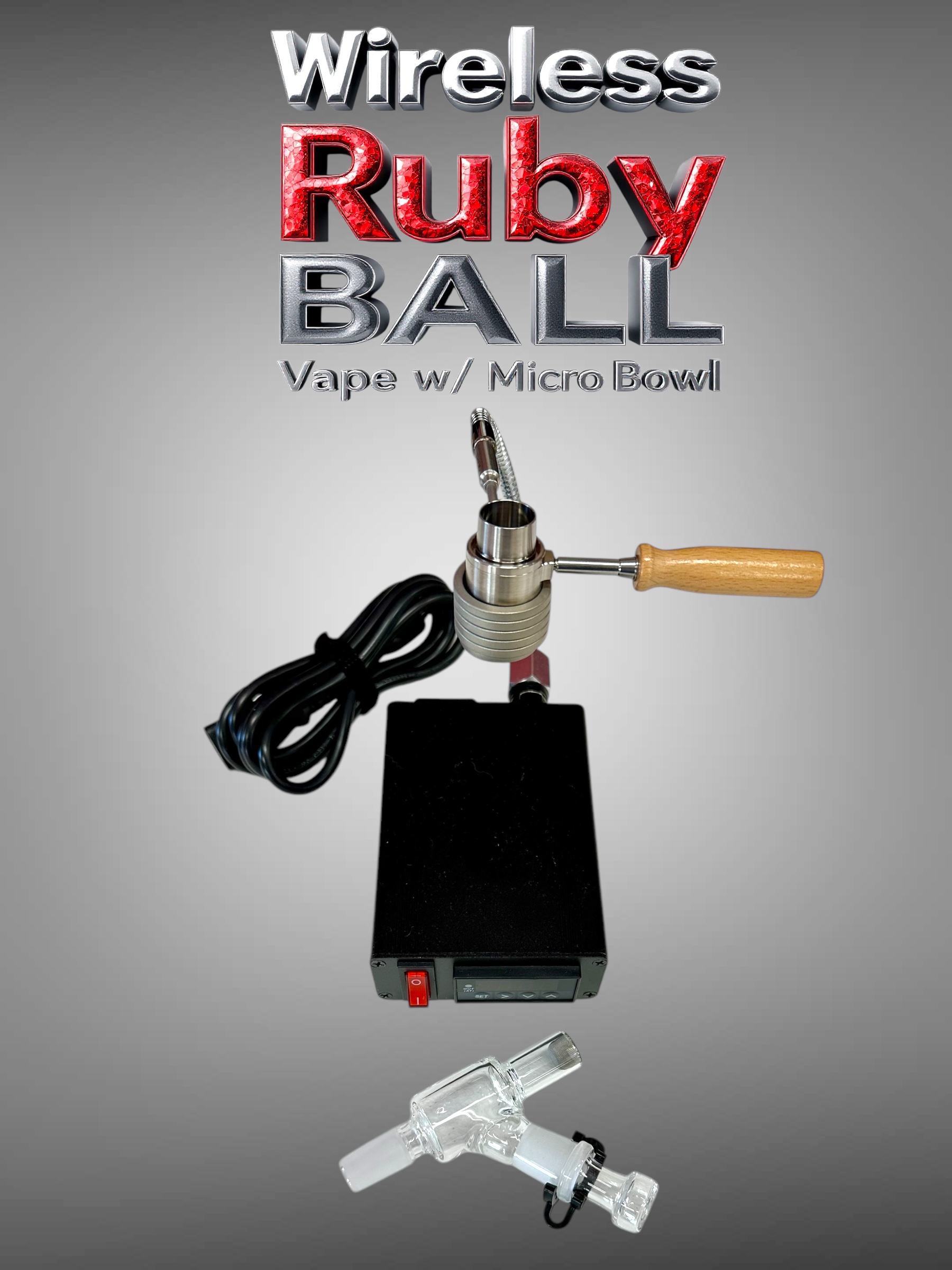
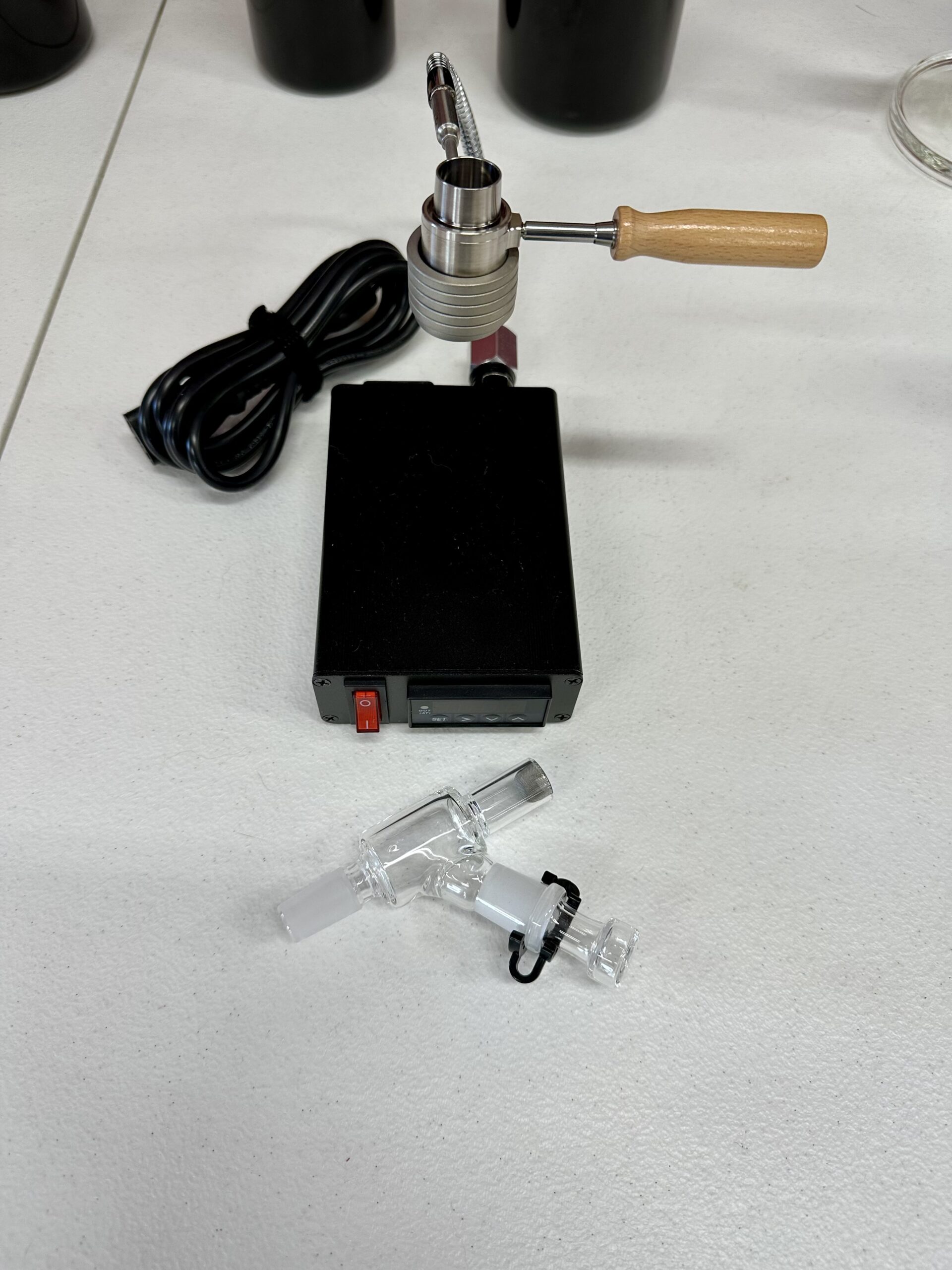
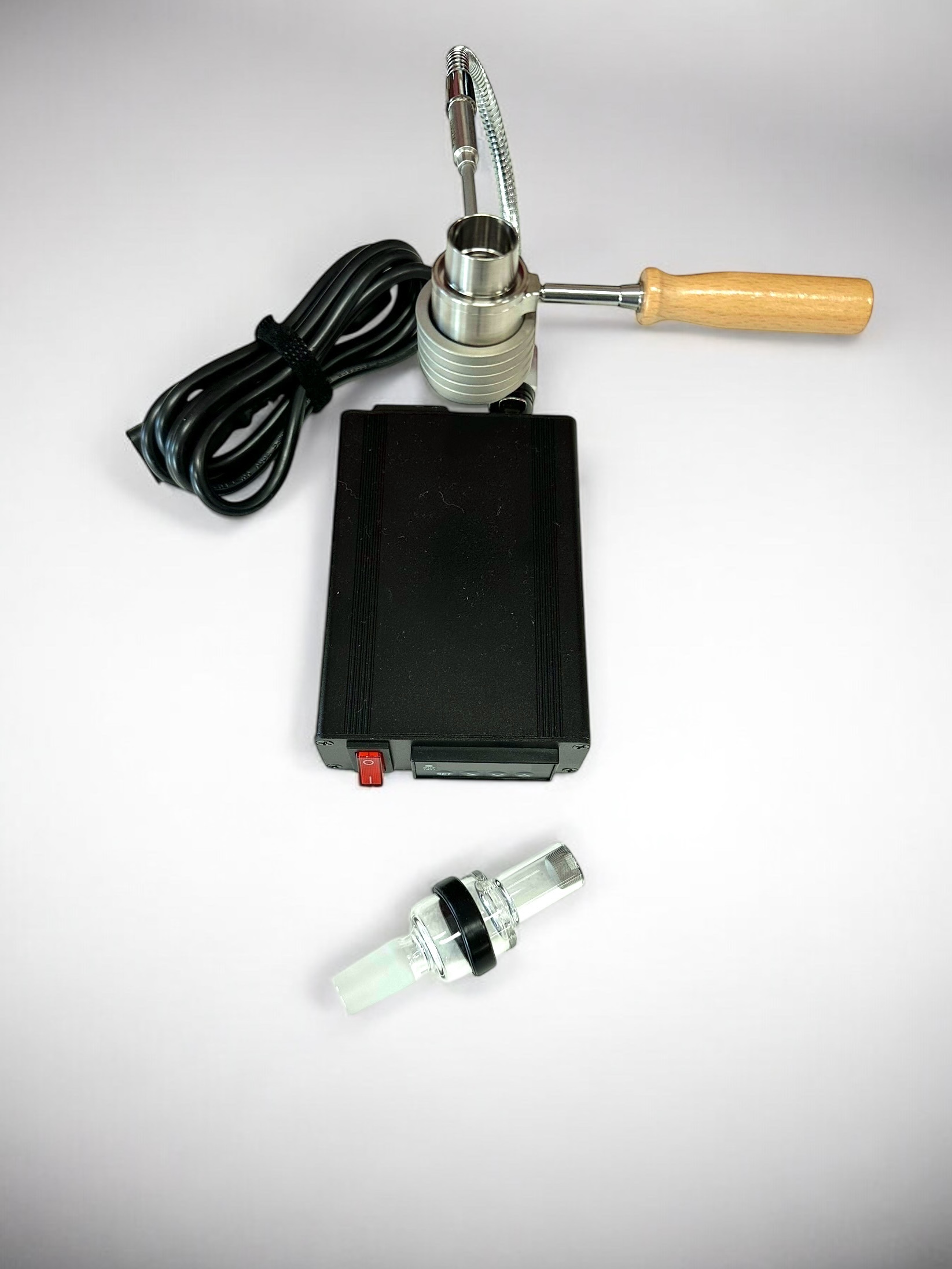
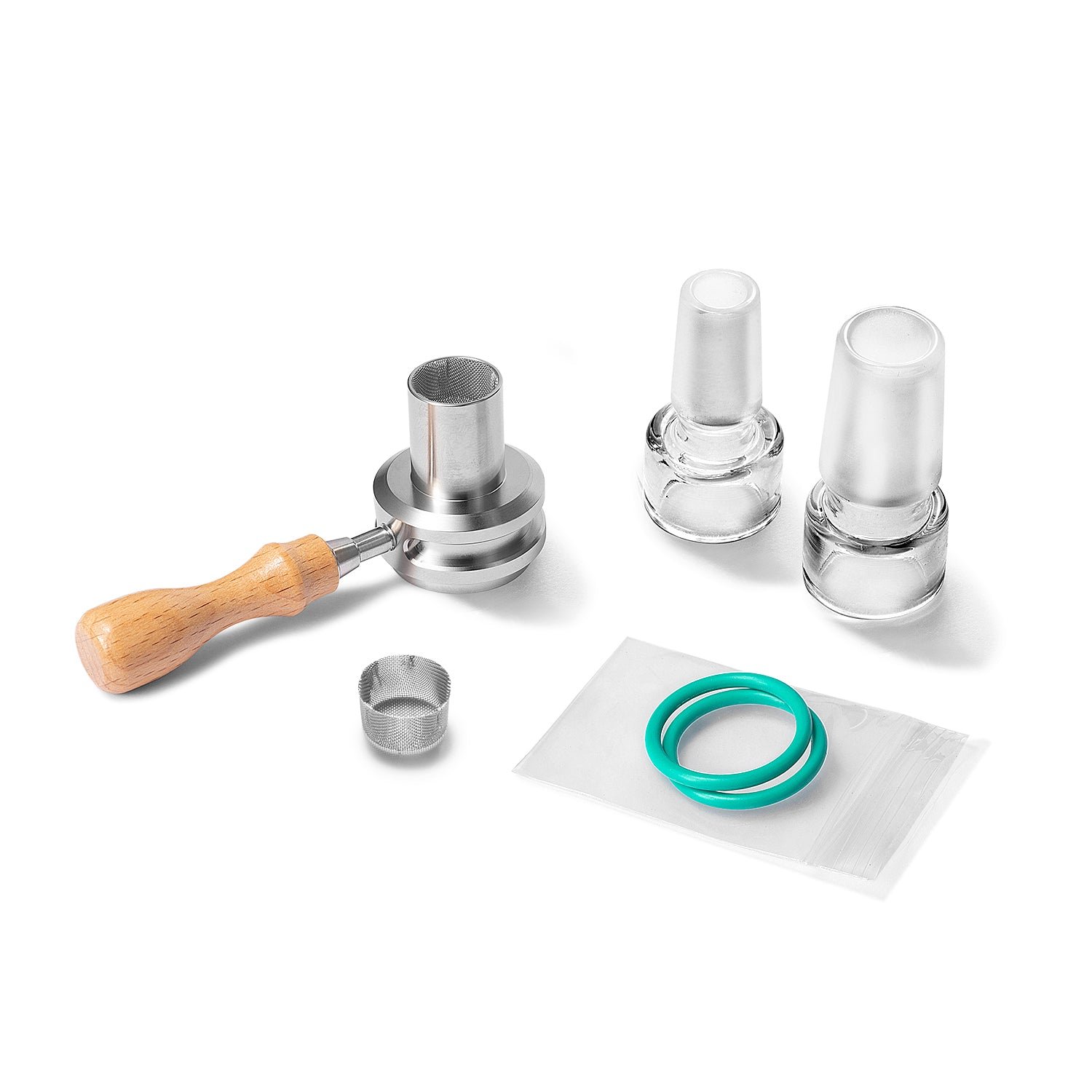
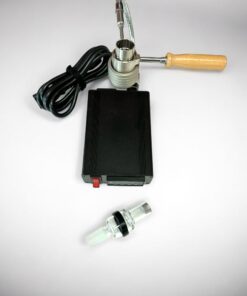
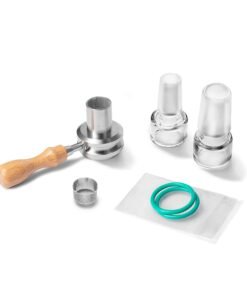
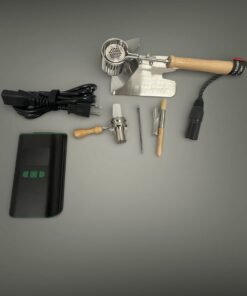
| 🔌 Single controller box with 110V AC power cord | 🔴 Titanium wireless Ruby Ball Vape heater with ruby-like crystals — the same standalone wireless heater we sell on its own |
| 🥣 Your choice of flower bowl (glass or titanium) | 📏 18mm female glass adapter |
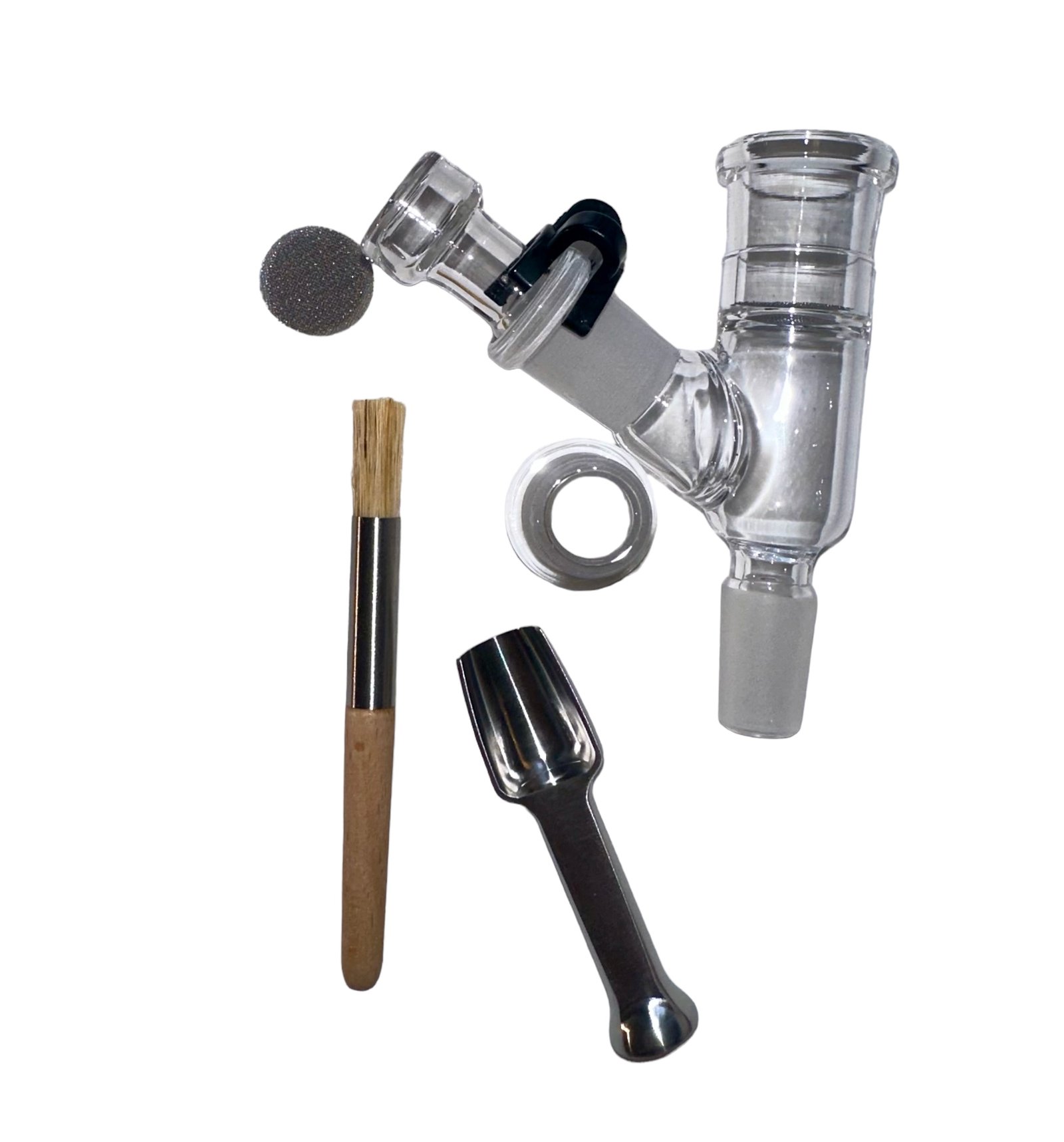
| 🌀 25mm 6-wrap flex coil | 🧹 Optional tamper tool and brush add-on |
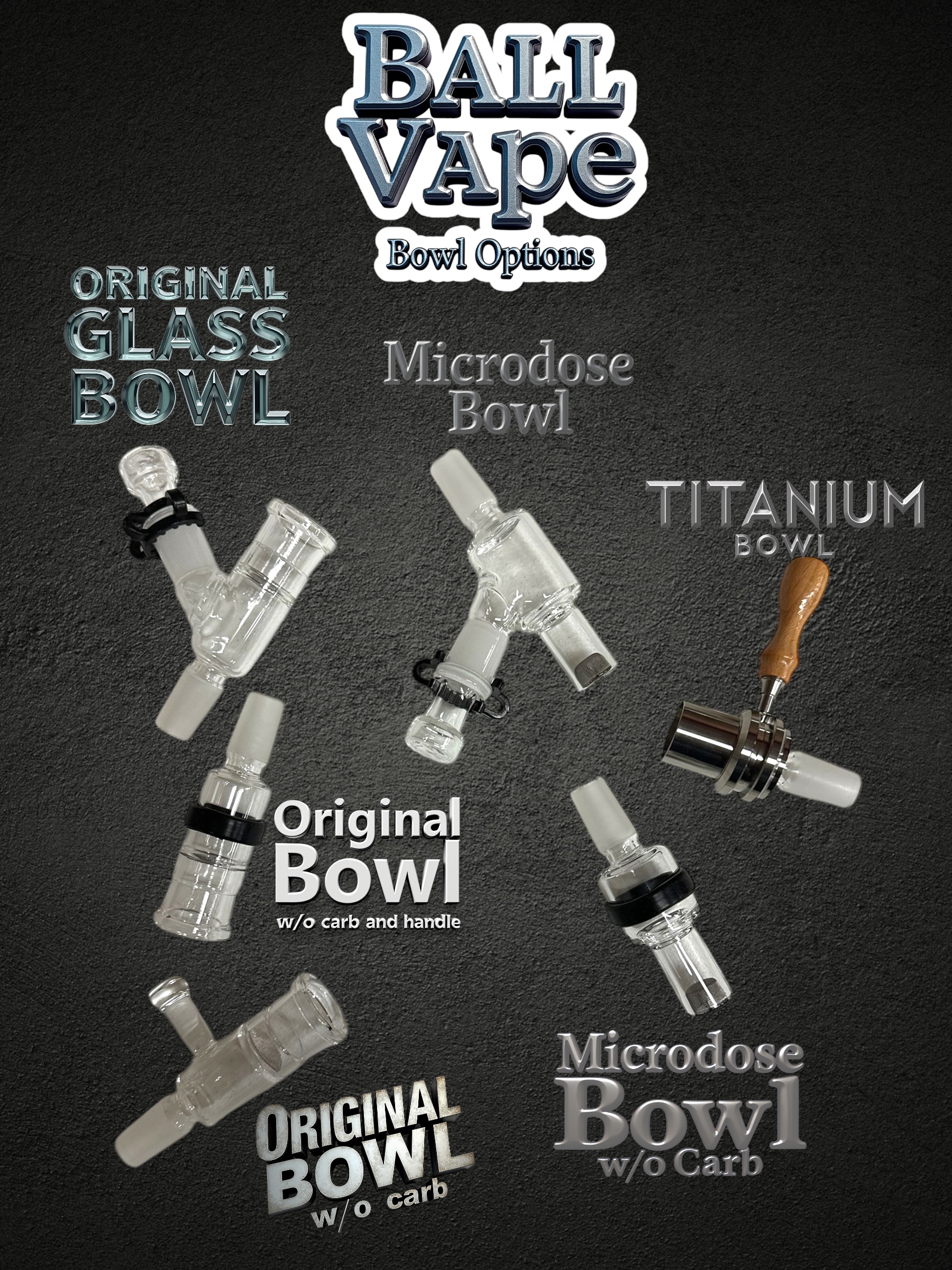
🥣 Bowl Options
| Original Glass Bowl Full-size with carb hole and handle for maximum airflow control |
Original Glass w/o Carb & Handle Streamlined without carb or handle for simple direct airflow |
| Original Glass w/o Carb Glass with handle but no carb for easy grip and open airflow |
Microdose Glass w/o Carb Smaller bowl for micro sessions to conserve material |
| Microdose Glass Bowl Small glass with carb for precise controlled micro-dose sessions |
Titanium Matrix Bowl Ultra-durable titanium with matrix airflow pattern built to last |
⚡ Key Features
| 🔴 Ruby-like crystal heating for smooth flavorful vapor | 🔌 Desktop setup — controller plugs into standard wall outlet |
| 🥣 Customizable bowl selection in glass or titanium | 🌀 Flex coil heats the ruby wand evenly for smooth sessions |
| 🔗 18mm female adapter fits most glass pieces | 🔧 Add different coils in the future for versatility |
🚀 Getting Started
| Step 1: Plug your controller box into a wall outlet | Step 2: Connect the flex coil to the controller and place the ruby heater wand inside |
| Step 3: Place your chosen bowl on top and pack lightly | Step 4: Connect to your glass piece via 14 or 18mm adapter and enjoy |
💡 Tip: Start with lower wattage and work your way up. A light pack with a medium grind works best for full flavor extraction.
🔗 Compatible Accessories
🌐 Join the Community
| 🎬 YouTube Tutorials and Reviews |
💬 Reddit r/DivineTribe |
🎮 Discord Live Chat and Support |
#DivineTribe #RubyBallVape #DryHerbVape #WirelessVape #ineedhemp
📖 New to ball vapes? Read What Is a Ball Vape? The Complete Guide.
⚙️ Click here for user settings, temperature calibration & the full manual
Download the PID controller manual (PDF) — straight from the factory, covers the panel keys, parameter list and wiring.
- Change the set temperature: in the normal display, use the up and down keys. Factory set value is 710.
- Switch °F to °C: press SET, enter password 0089, step down to CorF and set it. 0 = Celsius, 1 = Fahrenheit.
- Self-tune (AT): long press the > key until the AT light flashes and the unit tunes itself. To end it, hold > for three seconds. It only needs to be run once, not every session.
- No auto shutoff: these full size controllers hold temperature until you switch them off. The auto shutoff timer is only on the smaller controllers.
🌡️ Reading hot? Here is how to correct it
Matt’s own controller showed 615°F on the display when the glass was really closer to 550°F — about 65° hot. Yours may differ, so treat 65 as his number and adjust to whatever yours turns out to be. This is the exact sequence he used, on the four keys SET, >, ∧ (up) and ∨ (down):
- Press SET once. A password prompt comes up.
- Enter 0089. The > key moves to the next digit, the ∧ key raises it. Press SET to accept.
- Now tap SET and watch the screen. It steps in this order: inty → outy → HY → psb. That is four taps to land on psb.
- On psb, press ∨ down to -065. A four digit screen writes -65 as -065, so that is correct. This tells the controller it has been reading 65° too hot.
- Keep tapping SET past rd and Corf until it reads End. It drops back to the normal screen on its own.
Go by what the screen says rather than by counting taps. If you land on outy you are one short, and if you hit rd you went one too far.
After this, the heat you always ran is 550 on the dial, not 615. The number moved. The heat did not.
Wireless Ruby Ball Vape Heater Specs from Crossing
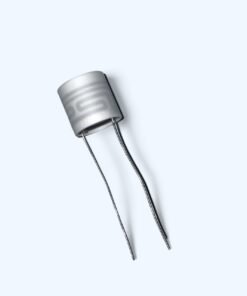
- Heater: titanium housing pre-filled with 520 3mm gem-cut rubies, with a birch wood handle
- Coils: made to work with 25mm axial coils
- Bowls: works with the Ruby Twist glass bowl, and works as an injector or a diffuser
- Injector vs diffuser: injector mode is pure convection for flavor; diffuser mode heats the bowl itself for a hybrid extraction with thicker vapor
- Starting temp: Crossing recommends starting at 535F and adjusting to taste, with a 5-minute heat-soak for best performance
Crossing’s own warning: not all XLR ports are the same. Confirm your PID controller wiring matches before plugging in a coil, because the wrong pinout can permanently damage the coil and the controller.
The Ruby Twist Family: Kits, Heaters & Parts
- Ruby Twist Original Kit
- Ruby Twist Pro Kit
- Ruby Twist Wired & Wireless Kit
- Wireless Ruby Ball Vape Simple Kit (this page)
- Ruby Twist + Terp Slurper Bundle
The Ruby Twist line is made by Crossing Technology. Not sure what fits your setup? Email matt@ineedhemp.com and we’ll sort it out.
| Weight | 23 oz |
|---|---|
| Dimensions | 6 × 5 × 3 in |
| Bowl Type | Titanium Matrix Bowl – standard dose, Micro Matrix Bowl – microdose titanium, Original Glass Bowl, Original glass bowl w/o Carb and Handle, Original Glass Bowl w/o Carb, Microdose Glass Bowl w/o Carb, Microdose Glass Bowl |
| Tamper Tool and Brush | Add to Kit, Do Not Add |
Only logged in customers who have purchased this product may leave a review.
You may also like…


Complete Kits

Related products
Complete Kits
Complete Kits

Best Sellers





Accessories
Batteries and Power Supply
Reviews
There are no reviews yet.